
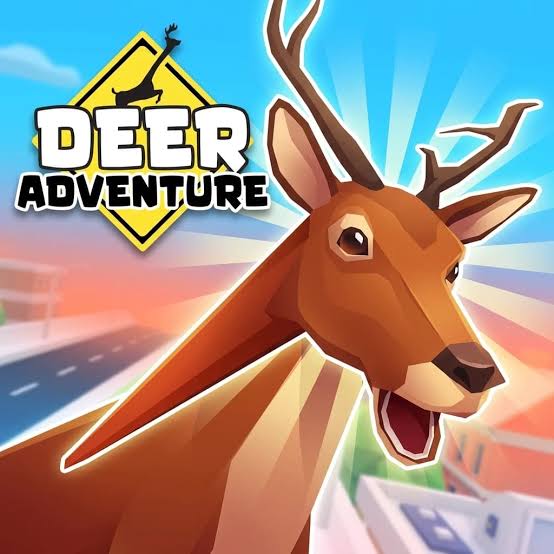
Play Deer Adventure on Pizza Edition. Explore a colorful city as a stretchy-necked deer, interact with its residents, and choose between peaceful roaming and playful chaos.
How to Play Deer Adventure
On the first visit, allow the Unity build to finish downloading and loading. Choose a language and select OK, press Start on the main menu, complete the character setup, and select Done to enter the city tutorial. Click inside the game window if the keyboard or mouse does not respond. Use WASD to move the deer and the mouse to control the camera. Press Space to jump and Shift to dash. The left mouse button attacks, while Q or the right mouse button stretches the deer's neck. Use F for context-sensitive actions, and follow the on-screen prompts when interacting with people, animals, vehicles, and objects. The city is an open sandbox rather than a single fixed route. You can explore calmly, test the deer's unusual movement and neck mechanics, or create chaos and see how the city responds. Check the tutorial panel and How To Play menu whenever you need a reminder of the controls.
Game Controls
WASD - Move Mouse - Control the camera Space - Jump Shift - Dash Left mouse button - Attack Q or Right mouse button - Stretch the deer's neck F - Perform a special or context-sensitive action Arrow keys - Interact with characters when prompted
Tips for Deer Adventure
- Let the initial Unity download finish before clicking repeatedly or refreshing the page.
- Complete the language and character setup screens before expecting the city to appear.
- Use Shift to dash and Space to jump when moving between streets and raised areas.
- Try Q or the right mouse button near objects to learn how the stretch-neck mechanic works.
- If controls stop responding, click once inside the game canvas to restore focus.
Why We Recommend This Game
Deer Adventure combines open-city exploration with a stretchy-necked deer, playful physics, unusual interactions, and the freedom to roam peacefully or cause chaos.
Comments