
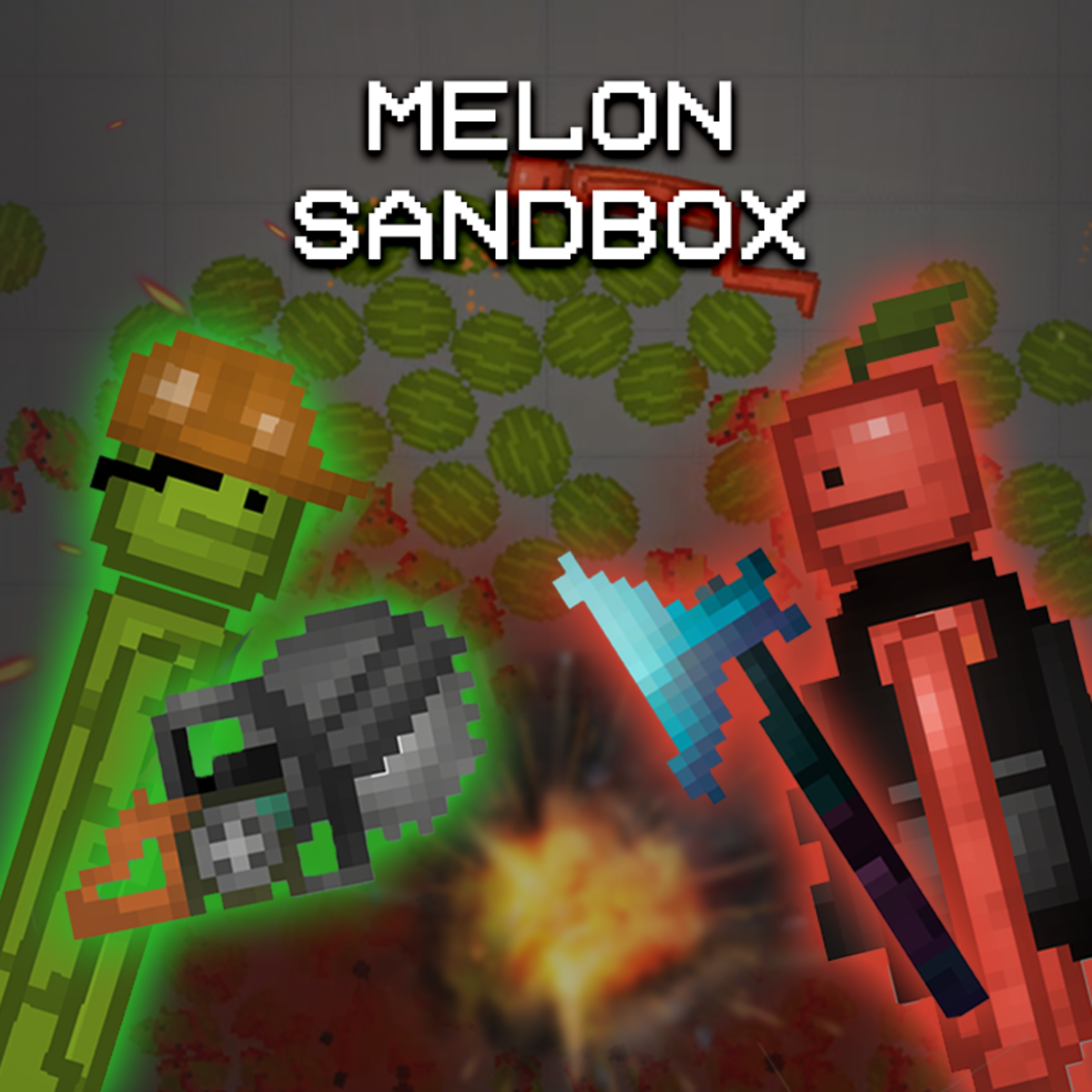
Play Melon Sandbox online free. Build scenes, place characters and objects, experiment with physics, and create your own sandbox scenarios.
How to Play Melon Sandbox
Melon Sandbox is an open-ended physics playground where you can build scenes and experiment without a fixed objective. Open the item menus, choose characters, props, vehicles, tools, and other objects, then place them wherever you want in the play area. Move, rotate, connect, or remove items to shape your setup. Combine different objects to test how they react, build simple machines, stage action scenes, or create unusual chain reactions. The fun comes from trying an idea, watching the physics system respond, and adjusting the scene until it behaves the way you imagined. The game runs from the official Melon Sandbox website inside the player. Loading time and available online features depend on that service, and some menus may require an internet connection or account.
Game Controls
Mouse or touch - Navigate menus, select items, place objects, and interact with the scene On-screen controls - Move, rotate, connect, edit, or remove selected objects Fullscreen button - Expand the game view
Tips for Melon Sandbox
- Start with only a few objects so it is easier to understand how each one reacts.
- Use connections and supports to keep larger constructions stable.
- Leave space between moving parts before starting a physics experiment.
- Adjust one part of a scene at a time when a chain reaction does not work as expected.
- Use fullscreen mode when detailed placement is difficult in the smaller player.
Why We Recommend This Game
Melon Sandbox offers an open-ended physics playground with characters, props, vehicles, tools, and flexible scene-building for creative experiments.
Comments