
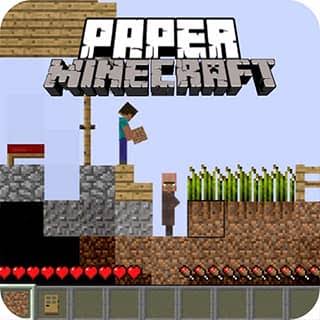
Play Paper Minecraft online free, a 2D block-building sandbox with Survival and Creative modes. Mine resources, craft equipment, build a base, trade with villagers, and explore the Nether and End.
How to Play Paper Minecraft
Click the green flag to start Paper Minecraft, then click inside the game screen so it receives your keyboard and mouse input. In Survival, mine blocks, gather materials, craft equipment, and build a safe base before exploring farther. Creative mode is for freely testing builds and items. Use the inventory and crafting table to prepare for villages, caves, the Nether, and the End.
Game Controls
WASD - Move, jump, and crouch 1-9 - Select a hotbar item Mouse - Mine blocks, place blocks, and use items E - Open or close inventory; interact with a hovered chest, crafting table, door, villager, or trader Q - Drop an item P - Pause or unpause O - Open the save option R - Sprint; swim faster in water T - Open chat or commands M - Toggle sound V - View achievements
Tips for Paper Minecraft
- Click the game screen after starting so keyboard controls stay with the player.
- Press E while hovering a chest, crafting table, door, villager, or trader to interact with it.
- Press O to open the save option before leaving a long session.
- Use R to sprint; pressing it while in water also helps you swim faster.
Why We Recommend This Game
Paper Minecraft packs a deep Survival sandbox and a flexible Creative mode into a 2D browser game. You can start with simple mining and building, then work toward trading, portals, the Nether, and the End.
Comments